Free tower defense: build your formation and survive 12 waves
Fortrush is a free 3D tower defense game for your phone or desktop browser.
Arrange walls, gates, Gatling turrets, Mortarlings and mines around your HQ, then fight beside them
as 12 waves of Ferals and the Chiefling boss pour out of the cave.
Win or lose, rearrange your formation and play again in seconds.
No download and no sign-up. Made for phone browsers, and plays with a mouse on desktop too.
Plan, fight, rearrange
Build your formation
Every battle starts with your layout. Carry the HQ, outposts, walls and turrets into
place with your hero, or open the formation editor to place, move and remove defenses
directly. Keep each turret and trap inside its outpost’s range so it fights at full strength.
How to prepare your formation
Fight the final battle
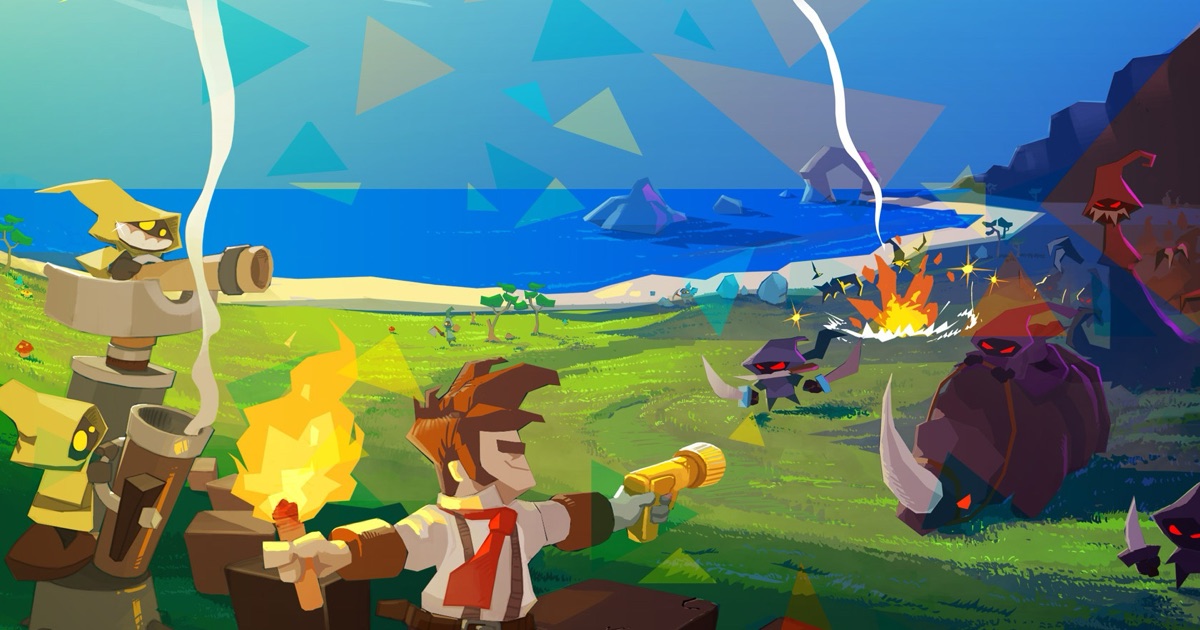
Twelve waves of Ferals pour out of the cave mouths, and the last one brings the Chiefling boss.
Gatlings rake the front line, Mortarlings shell the crowd and mines go off underfoot,
while your hero fights with a shotgun and charges into enemies.
How the battle works
Rearrange and replay
Replay the same battle with your layout intact, or go back and change it. Keep up to six
formations in save slots, and share a layout with a friend as a code they can paste into
their own game.
Saving and sharing formations
From the world of Fortcraft
Fortrush is a spin-off of Fortcraft, a free 3D tower defense adventure. Fortcraft gives you a
whole island to explore: gather resources with the Wildlings, build up your base and defend it
through a campaign of battles. Fortrush takes its hero, defenses and Ferals into a single battle
where your formation decides the result.
Play Fortcraft, the island adventure
Before you play
Is Fortrush free?
Yes. Fortrush is free to play in your browser.
Can I play on my phone without downloading anything?
Yes. Open this page in your phone’s browser and tap Play. There is no app to install and no
account to create. Fortrush also runs in desktop browsers. It needs a browser with WebGL and
JavaScript turned on.
Is my formation saved?
Formations you finish in the editor with Done are saved in this browser, and you can keep up to
six more in save slots. Moves you make by carrying buildings with your hero are not saved:
reloading returns to your last saved formation. Clearing your browser’s site data removes saved
formations, so copy a share code to keep a layout safe or to move it to another device.
Controls, defenses and battle tips